
Chevrolet Service Tire Monitor System: Checks, Causes, and Model-Specific Relearns
If all tires match the label and have no visible damage, the immediate pressure problem may be ruled out. The TPMS fault still requires diagnosis or relearning.
Overview
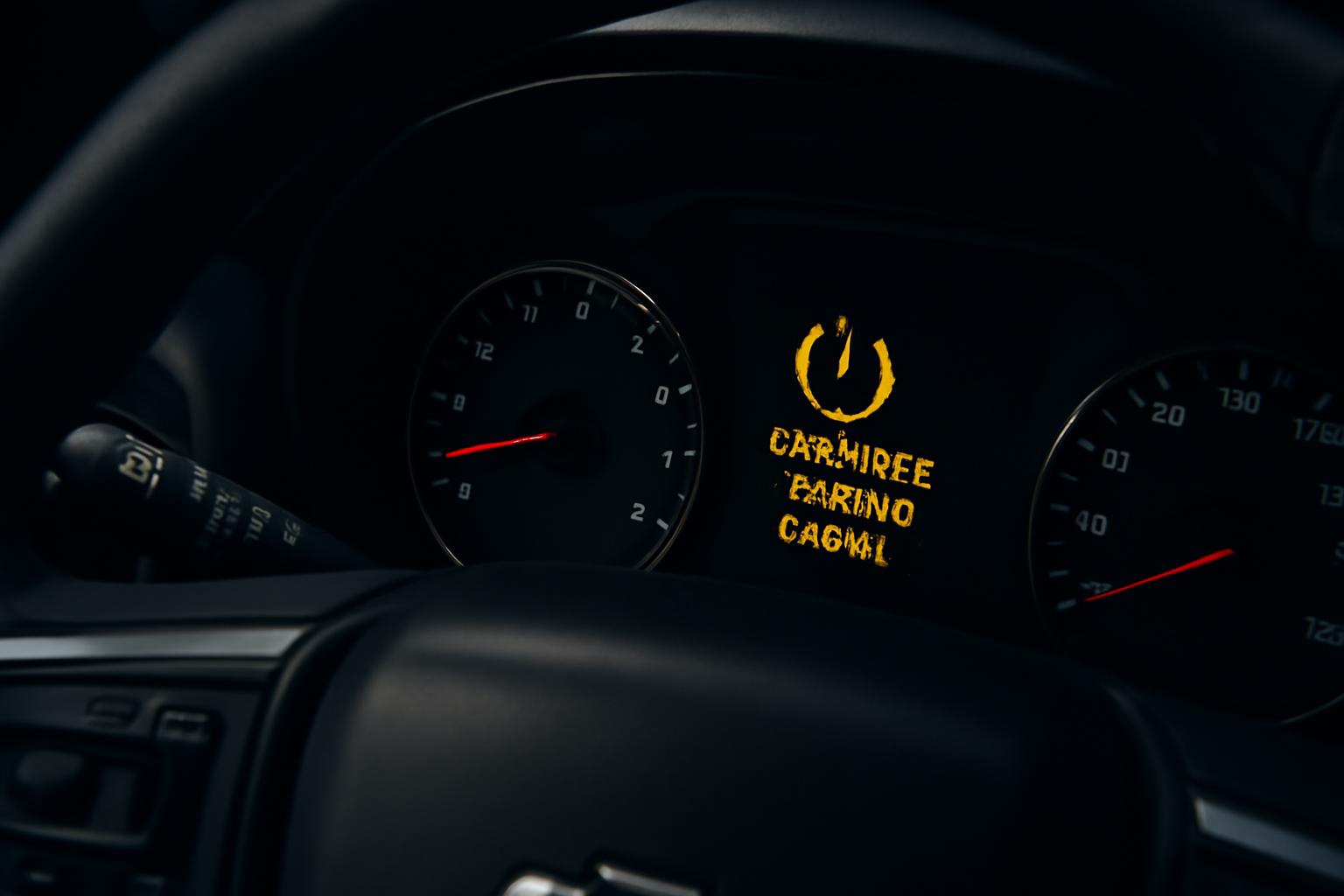
A Service Tire Monitor System message on a Chevrolet generally points to a fault that prevents the tire-pressure monitoring system (TPMS) from working correctly. It does not prove that a tire is low. Because the system may be unable to report pressure accurately, check every tire manually before deciding what to do next.
Chevrolet owner manuals document a useful distinction. A steady low-pressure light indicates that the system has detected an underinflated tire. When the system detects a TPMS malfunction, the light flashes for about one minute and then remains illuminated for the rest of that ignition cycle. The 2008 Chevrolet Tahoe owner’s manual describes this flashing-then-solid pattern, as does the 2014 Chevrolet Corvette owner’s manual.
Dashboard wording varies among Chevrolet models and years, so treat the exact message shown by your vehicle as model-specific. The practical distinction remains important: adding air can correct genuine low pressure, but it will not repair a missing sensor, failed sensor, unsuccessful matching process, or another TPMS malfunction.
Check every tire before deciding whether to drive
Start with a pressure gauge, even if the tires look normal. The 2008 Tahoe manual states that you cannot determine correct inflation simply by looking at a tire. It instructs owners to compare cold-tire readings with the recommended values on the vehicle’s Tire and Loading Information label.
Use this basic check before attempting any reset or relearn:
- Stop in a safe place and inspect all tires for obvious damage or severe deflation.
- Find the recommended pressures on the Tire and Loading Information label for your vehicle.
- Measure each tire with a reliable gauge, preferably under the cold-tire conditions defined in your manual.
- Add or release air as needed, then measure again.
- If a tire will not hold the specified pressure or appears damaged, address that physical tire problem before troubleshooting the monitoring system.
The 2008 Tahoe manual defines a cold tire as one on a vehicle that has been parked for at least three hours or driven no more than 1 mile (1.6 km). That definition comes from one model-year manual, so check your own manual rather than treating it as a universal Chevrolet instruction.
Do not use a Service Tire Monitor System message as reassurance that the tires themselves are fine. A monitoring fault can exist while all four tires are correctly inflated, but it can also prevent the system from warning you about a later pressure loss. A manual gauge becomes your source of pressure information until normal monitoring is restored.
Whether to continue driving depends on what the physical check reveals. A significantly underinflated or damaged tire needs prompt attention. If every tire matches the vehicle label and there is no visible damage, the immediate pressure problem may be ruled out, but the monitoring fault still needs diagnosis or the correct model-specific relearn. Continue checking pressure manually while the TPMS is unavailable.
Match the warning pattern to the next action
Do not treat every tire icon, message, or missing dashboard value as the same problem. Match the observable pattern first, then choose the next action.
| Dashboard pattern | What the evidence supports | Next action |
|---|---|---|
| Low-pressure light stays on steadily | Chevrolet manuals associate a steady warning with detected low tire pressure. | Check every tire with a gauge and adjust it to the pressure on the Tire and Loading Information label. |
| Light flashes for about one minute, then stays on | The 2008 Tahoe and 2014 Corvette manuals document this as the TPMS malfunction pattern. | Verify pressures manually, then follow the exact manual’s fault or relearn guidance. Seek diagnosis if the pattern returns. |
| Service Tire Monitor System message | GM service guidance treats this message, especially with the flashing-then-solid light, as evidence that a TPMS problem exists. | Check pressure first, review recent tire or wheel work, and determine whether matching, programming, or diagnosis is needed. |
| One wheel displays no value or “–” | GM-oriented technical guidance says dashes can appear when pressure data is unavailable. Owner reports describe the same symptom, but they do not establish its cause. | Confirm that tire’s pressure with a gauge. Do not replace a sensor solely because the display is blank; test the system or arrange diagnosis. |
A pressure warning after a temperature change may still represent genuine low pressure, but the supplied Chevrolet evidence does not establish a separate cold-weather fault rule. Use the gauge reading and the vehicle label, not the weather or the appearance of the tire, to decide whether inflation is required.
Common causes of the service warning
The warning can result from several different failures or setup problems. A blank reading is a symptom, not enough evidence to identify which one applies.
Supported possibilities include:
- A missing, damaged, or inoperative sensor. The 2014 Corvette manual lists missing or damaged sensors among the conditions that can illuminate the malfunction light and display a Driver Information Center message.
- A depleted sensor battery or failed sensor. AutoZone’s service-message explainer identifies a faulty sensor or its internal battery as possible reasons the system can no longer detect it.
- An incomplete or unsuccessful matching process. The Corvette manual states that an unsuccessful sensor-matching process can trigger the malfunction indication.
- A sensor that was installed but not learned. Tire Review’s GM TPMS service guidance explains that each sensor has a unique identification number. After a new sensor is installed, the vehicle module needs that ID and its wheel position.
- A tire or wheel configuration that prevents proper operation. The Corvette manual warns that replacement tires or wheels that do not match the original equipment configuration can prevent TPMS operation.
- Electronic or radio interference. The same manual identifies some electronic-device interference as another possible malfunction condition.
Recent service history helps narrow the path. A warning that began immediately after a rotation is more suggestive of a position-matching problem than one that appeared without any tire work. A missing reading after sensor installation raises the question of whether the new sensor’s unique ID was learned. Neither clue proves the diagnosis, but each tells you what to verify before replacing parts.
Vehicle age can make battery depletion worth considering, but age alone does not confirm a failed sensor. The supplied sources do not provide one reliable lifespan that applies across Chevrolet sensors and operating conditions. Proper testing is more useful than replacing every sensor based only on an estimate.
Pressure correction, reset, and relearn are different fixes
Adding air corrects inflation. A reset clears or updates a displayed state on systems that support that operation. A relearn or matching procedure teaches the vehicle which sensor belongs at each wheel position. Programming may be required when the vehicle does not yet recognize a replacement sensor’s unique ID.
Those operations are often described interchangeably, but they solve different problems. If the system has correctly detected a low tire, bringing that tire back to the label pressure may allow the warning to clear after the vehicle recognizes the increase. Tire Review’s GM guidance describes some systems recognizing corrected pressure after a short drive. That does not mean driving or adding air repairs a TPMS malfunction.
Relearning matters after the relationship between sensors and wheel positions changes. The correct process may require a TPMS activation tool, a defined wheel order, dashboard controls, horn confirmations, and a limited completion period. Other Chevrolet systems can learn automatically while the vehicle is driven. Follow the instructions for the exact model and year because these methods are not interchangeable.
An interrupted procedure can also leave the display less useful than before. Tire Review’s GM guidance says learn mode can cancel when the ignition is switched off or when a sensor is not learned within the stated timeout. It also notes that the Driver Information Center may display dashes instead of pressures. If a documented procedure times out, restart it as the manual directs rather than inventing a different activation order.
If the warning started after tire or wheel service
Recent service should be your first troubleshooting clue. Ask what changed and whether the work included sensor matching or programming.
- After a tire rotation: Confirm whether the sensor IDs were rematched to their new wheel positions.
- After new tires: Ask whether the original sensors were retained, damaged, replaced, or unsuccessfully programmed.
- After replacement wheels: Verify that the wheel and sensor configuration is compatible with the vehicle’s TPMS.
- After restoring a road tire: Check whether your manual requires matching after replacing a spare with a road wheel containing a sensor.
- After sensor replacement: Confirm that the vehicle learned the new sensor’s unique ID and position.
The 2018 Tahoe and Suburban owner’s manual specifically requires matching after tire rotation, replacement of one or more sensors, or replacement of a spare with a road tire containing a TPMS sensor. That manual uses a relearn tool and a prescribed wheel order.
Installing a sensor therefore may not complete the repair. The sensor can be physically present while the vehicle still lacks the correct identification or position data. Before authorizing replacement of another part, confirm whether the post-service learning process was completed successfully for your exact Chevrolet.
Why the correct relearn procedure depends on the model and year
There is no single relearn sequence that can safely be presented as correct for every Chevrolet. Two official owner manuals demonstrate why.
For the 2018 Tahoe and Suburban, Chevrolet documents a tool-assisted matching process. The sequence begins at the driver-side front tire, then moves to the passenger-side front, passenger-side rear, and driver-side rear. A horn chirp confirms each learned sensor. The manual allows two minutes to match the first position and five minutes overall before the process stops and needs to be restarted.
The 2014 Corvette uses a different approach. Its manual describes an automatic learning function after the vehicle has remained stationary for about 20 minutes. The subsequent relearn can take up to 10 minutes while driving at a minimum of 19 km/h (12 mph). During learning, the Driver Information Center may show either a dash or a pressure value.
These examples are useful because they prove the procedures vary, not because either procedure should be copied to another Chevrolet. A Tahoe’s tool, order, and timing do not establish the method for a Silverado, Traverse, Equinox, or Corvette from another year. Find the TPMS or Tire Pressure Monitor Operation section in the owner’s manual issued for your exact model and model year. If it specifies an activation tool, use the proper tool or arrange service. If it documents automatic learning, follow its stated stationary and driving conditions.
When professional TPMS diagnosis is the next step
Arrange model-specific diagnosis when the tires have been checked and corrected but the system still cannot provide dependable monitoring. Replacing a sensor is one possible outcome, not the automatic answer to every service message.
Professional testing is the sensible next step when:
- The flashing-then-solid malfunction pattern returns at each ignition cycle.
- One or more wheel positions remain blank after pressures have been verified manually.
- The exact owner’s-manual relearn procedure does not complete successfully.
- A newly installed sensor still is not recognized after the required matching or programming.
- A missing reading returns, moves to another wheel position, or behaves intermittently after relearning.
- There is reason to suspect sensor damage, incompatible wheels, or electronic interference.
A technician or equipped tire service can check whether each sensor is transmitting, whether the vehicle recognizes its unique ID, and whether the stored position matches the physical wheel. That evidence separates a failed sensor from a matching, programming, compatibility, or communication problem.
Do not rely on an owner-forum diagnosis for a blank wheel value. Forum reports show that Chevrolet owners do see “–” or a missing reading while the physical tire remains inflated, but those reports cannot determine the cause in another vehicle. The correct repair depends on testing and the model-specific procedure.
Until monitoring is restored, continue checking all tires with a gauge against the Tire and Loading Information label. The practical sequence is simple: verify the tires first, use recent service history to identify whether relearning is plausible, follow only the correct model-year instructions, and obtain diagnosis when the warning or missing reading persists.